Summary
 Version 1.1.8
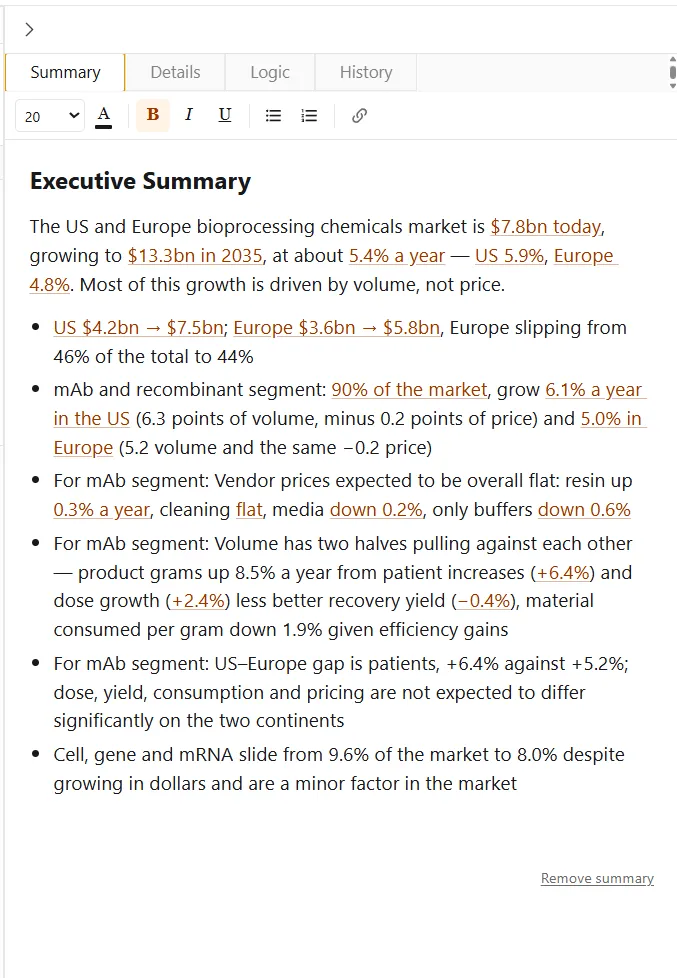
The summary is a text box in the control panel where users can enter text and hyperlink to different elements in the model. It is particularly useful as a place to hold an executive summary or an explanation of the model’s methodology. Create a summary from the elements tab of the ribbon.
 Version 1.1.8
The formatting bar sets font size, text color, bold, italic, underline, and lists. The link button hyperlinks text to an element in the model.
Remove a summary by clicking “Remove summary” at the bottom of the text box.